Microsoft 365 versus Google Workspace is the technology question we get asked more than almost any other by small businesses in North Central Florida. Both platforms are mature, capable, and well-supported — but they're genuinely different in ways that matter for how your business operates day to day. Here's our honest assessment after helping dozens of local businesses make this decision.
80%
Simply IT clients choose M365
$12.50
M365 Business Standard / user
$14
Google Business Standard / user
1TB vs 2TB
OneDrive vs Google Drive
Head-to-Head Comparison
| Feature | Microsoft 365 | Google Workspace |
|---|
| Desktop Apps | Full Office suite installed | Web-based only |
| Email | Outlook (desktop + web) | Gmail (web-based) |
| Storage | 1TB OneDrive per user | 2TB Google Drive per user |
| Video Conferencing | Microsoft Teams | Google Meet |
| Security & Compliance | Enterprise-grade, mature | Good but less documented |
| Compliance (HIPAA, etc.) | BAA available, audit tools | BAA available, fewer tools |
| Integration | Active Directory, Azure | Google ecosystem |
| Admin Console | Powerful but complex | Simple and intuitive |
| Price (Standard tier) | $12.50/user/mo | $14/user/mo |
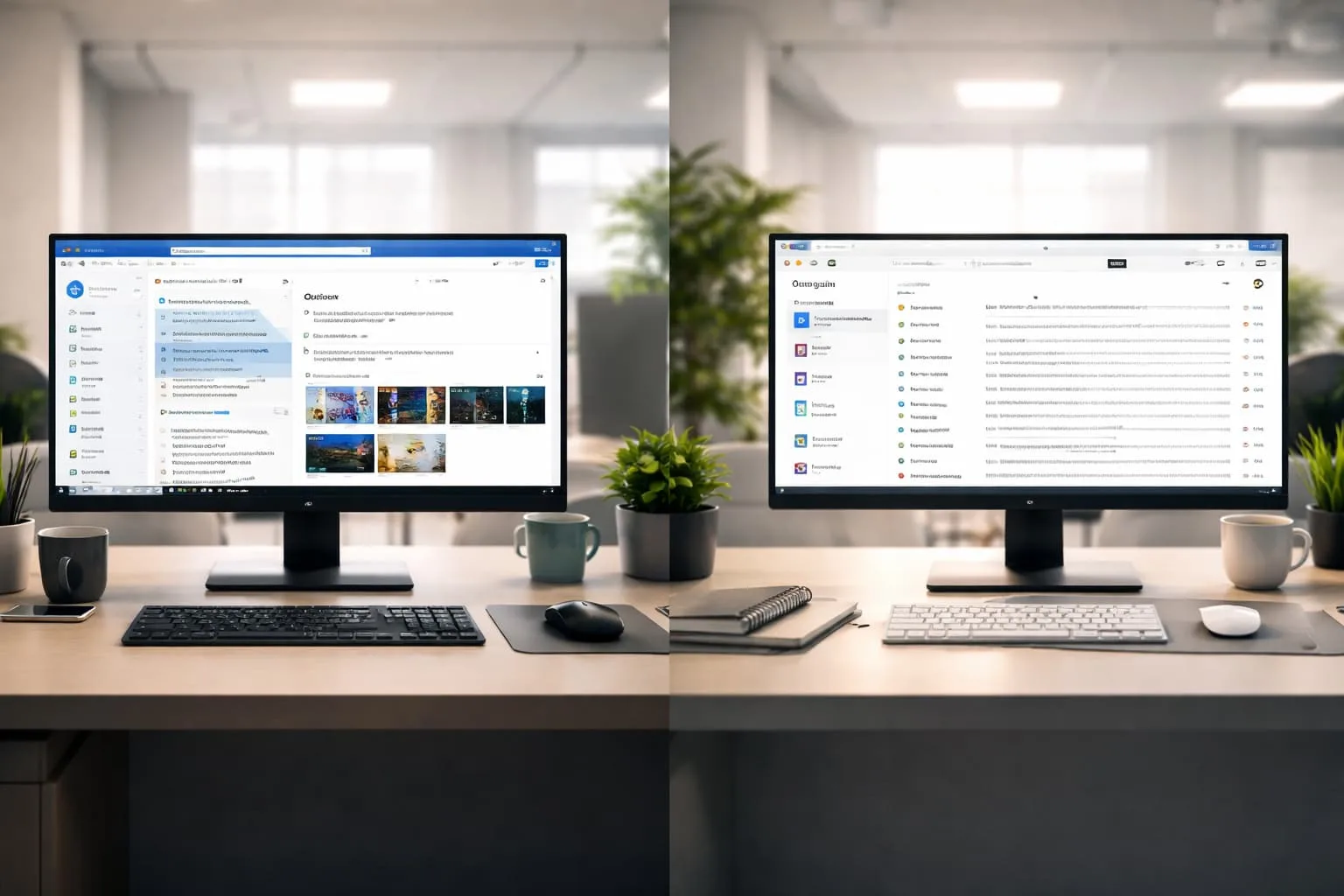
Choosing the right productivity platform depends on your business needs
When to Choose Microsoft 365
Full Office Apps Needed
Your team needs desktop versions of Word, Excel, and PowerPoint for professional documents and complex spreadsheets.
Compliance Requirements
HIPAA, FTC Safeguards, or industry regulations require mature compliance tooling and documented audit capabilities.
Active Directory Integration
Your organization uses or plans to use Active Directory, Azure AD, or Entra ID for identity management.
Enterprise Security
You need advanced threat protection, data loss prevention, and conditional access policies across your organization.
Teams-Centric Workflow
Your clients, vendors, and partners are on Microsoft Teams — which is the dominant platform in North Central Florida.
When to Choose Google Workspace
Browser-First Team
Your team works primarily in web browsers and does not need installed desktop applications.
Simple Admin Preferred
You want an intuitive admin console without the complexity of Microsoft's enterprise management tools.
Google Ecosystem
Your business already relies on Android devices, Google Ads, Google Analytics, and other Google services.
No Compliance Needs
Your industry does not have specific regulatory requirements for data handling, retention, or audit trails.
"For businesses with compliance requirements — healthcare, legal, accounting — Microsoft 365 is not just the better choice, it is often the only compliant choice."
Steve Condit, Simply IT
How to Decide
01
Assess Your Needs
Identify which applications your team uses daily, how documents are shared externally, and whether compliance is a factor.
02
Compare Features
Map your specific requirements against each platform's capabilities — desktop apps, email, storage, security, and admin tools.
03
Evaluate Compliance
If your industry requires HIPAA, FTC Safeguards, or other regulatory compliance, verify the platform supports required controls.
04
Trial Both
Both platforms offer free trials. Have your team test real workflows for two weeks before committing.
05
Migrate Properly
Professional migration ensures email, contacts, calendars, and files transfer completely with zero data loss.
Decision Factors to Consider
PLATFORM DECISION CHECKLIST
✓
Does your team need installed desktop Office apps (Word, Excel, PowerPoint)?✓
Do your clients and vendors primarily use Teams or Google Meet?✓
Are you in a compliance-regulated industry (healthcare, legal, accounting)?✓
Do you need Active Directory or Azure AD integration?✓
Is real-time browser-based collaboration your team's primary workflow?✓
Do you need advanced data loss prevention and conditional access policies?✓
Are you already invested in the Google ecosystem (Android, Google Ads)?✓
Do you exchange formatted documents with external parties regularly?✓
Do you need more than 1TB of cloud storage per user?✓
Is simple admin management a priority over advanced controls?// Did You Know?
Microsoft 365 offers deeply discounted nonprofit pricing starting at free for up to 300 users (Business Basic equivalent). Google Workspace for Nonprofits is also free for the Business Starter tier. Both platforms offer significant savings for qualifying organizations.
// Key Takeaway
For most North Central Florida businesses — especially those in regulated industries or those who exchange documents with clients regularly — Microsoft 365 is the right choice. Google Workspace is a strong option for browser-first teams with simple admin needs and no compliance requirements.
If you're currently on Google Workspace and considering a switch to Microsoft 365 — or vice versa — Simply IT handles migrations for businesses across North Central Florida. We migrate email, contacts, calendars, and files with minimal disruption to your operations.
Schedule Your Free Assessment →