HIPAA IT COMPLIANCE FOR
FLORIDA DENTAL PRACTICES.
Your imaging systems, patient records, and insurance billing are all ePHI. One misconfigured workstation is a breach. Simply IT makes HIPAA compliance a strength, not a liability.
EVERY SYSTEM THAT TOUCHES
PATIENT DATA IS IN SCOPE.
Dentrix / Eaglesoft / Open Dental
Your practice management software stores patient demographics, treatment records, and insurance data — all ePHI. Access controls, session timeouts, and audit logging must be configured correctly.
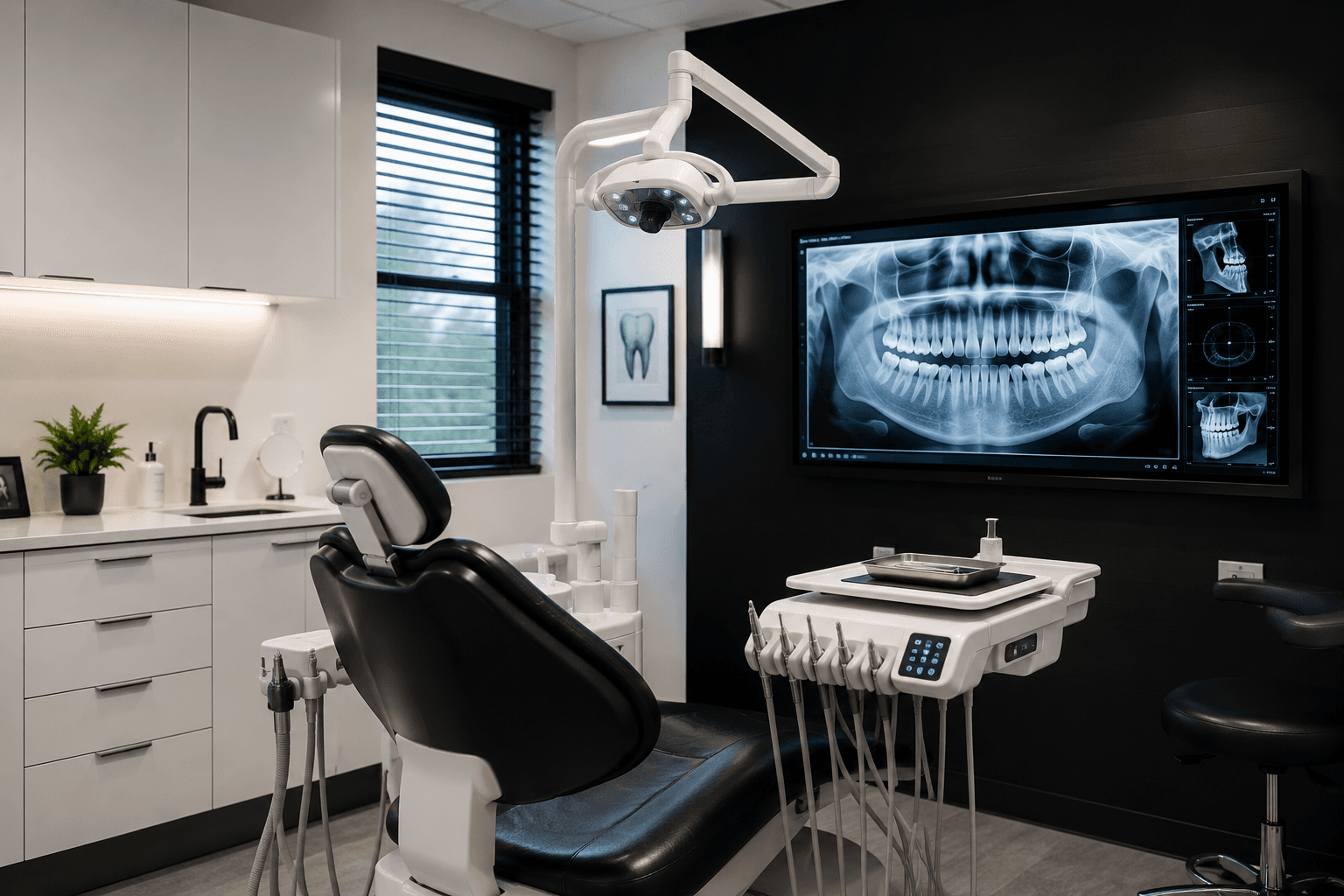
Digital X-Ray & Imaging Servers
Carestream, Dexis, Schick, and CBCT systems store diagnostic images linked to patient identifiers. These servers require encryption, network isolation, and backup inclusion.
Email & Patient Communications
Appointment reminders, treatment summaries, and billing communications sent via email containing PHI must be encrypted. Standard Gmail and Outlook are not HIPAA-compliant without additional configuration.
Insurance Billing & Claims
Electronic claims submission and ERA (Electronic Remittance Advice) systems transmit ePHI to payers. Your clearinghouse and billing software must have signed BAAs in place.
Patient Portals & Scheduling
Online scheduling tools and patient portals that collect or display PHI require Business Associate Agreements with vendors and secure, encrypted data transmission.
Workstations & Mobile Devices
Every front desk computer, operatory workstation, and tablet that accesses patient data must be encrypted, patched, and protected. Lost or stolen unencrypted devices trigger mandatory breach notification.
WHAT HIPAA ACTUALLY
REQUIRES FROM YOUR IT.
The HIPAA Security Rule’s Technical Safeguards are the specific IT requirements dental practices must implement. Here are the 5 that matter most — with the exact regulation reference for each.
Access Controls
Each team member should have unique login credentials with access only to the systems and patient records they need for their role. Shared passwords and administrator accounts used for daily work violate this requirement and make audit logs meaningless.
Audit Controls
Your systems must record and retain logs of who accessed patient records, when, and from where. In the event of a breach investigation, these logs are critical evidence — and their absence is evidence of non-compliance.
Integrity Controls
Patient data must be protected from unauthorized alteration or deletion. This includes version-controlled backups, file integrity monitoring on critical systems, and change tracking in your EHR.
Transmission Security
Any ePHI transmitted over a network — internal or external — must be encrypted. This covers email, patient portals, insurance claims, and data sent between your imaging server and workstations.
Automatic Logoff
Workstations must automatically lock after a period of inactivity. In a busy dental practice, unattended logged-in workstations are one of the most common HIPAA violations cited by OCR.
WHAT A HIPAA BREACH
ACTUALLY COSTS.
DENTAL HIPAA COMPLIANCE
DONE RIGHT.
- HIPAA Risk Assessment — written, OCR-ready, updated annually
- Dental software access control review (Dentrix, Eaglesoft, Open Dental)
- Workstation and server encryption (BitLocker / FileVault)
- Encrypted offsite backup with 30-day retention
- Email encryption for patient communications
- Security awareness training for all staff — quarterly
- Business Associate Agreement (BAA) documentation support
- Incident response plan — tested annually
- Imaging server network isolation and access review
- Annual HIPAA compliance report for your records
Start with a Free HIPAA Risk Assessment
We review your current IT environment against HIPAA requirements and give you a written report of findings — at no cost, no obligation.
We work with practices running Dentrix, Eaglesoft, and Open Dental across Ocala and North Central Florida.
See What HIPAA-Ready IT Looks Like in Practice
Our dental portfolio demo shows how we configure a HIPAA-compliant IT environment for a modern dental practice — from the front desk to the imaging suite.
HIPAA IT QUESTIONS
FROM DENTAL PRACTICES.
What HIPAA requirements apply to dental practices specifically?+
Does HIPAA apply to dental software like Dentrix and Eaglesoft?+
What happens if a dental practice fails a HIPAA audit?+
Are digital X-rays and imaging systems covered by HIPAA?+
What is a HIPAA Risk Assessment and does my dental practice need one?+
How long does it take to make a dental practice HIPAA-compliant from an IT standpoint?+
Free HIPAA Risk Assessment for dental practices in Ocala and North Central Florida — no obligation.
By submitting, you agree that Simply IT may contact you about your inquiry. See our Privacy Policy