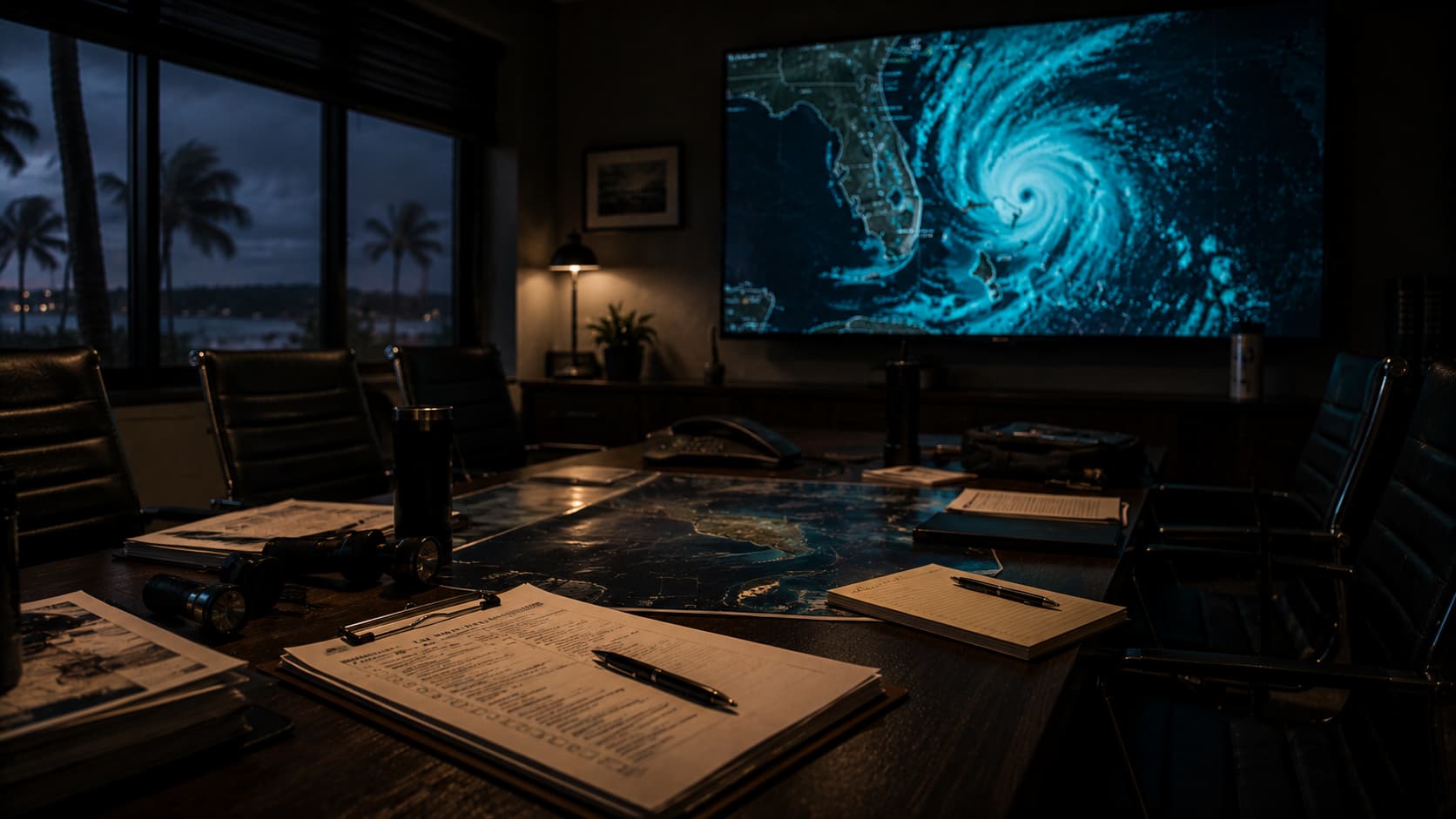
Run Your Florida Business's Hurricane IT Tabletop Exercise — The 90-Minute Pre-Season Drill
Most Florida small businesses “have” a hurricane plan. It's a PDF in a SharePoint folder somewhere, last updated in 2022, written by a former operations manager who left the firm. Nobody on the current team has read it. When Ian and Idalia and Helene came through, that PDF didn't help anybody — people improvised, and improvisation in the middle of a storm is what produces the post-event horror stories. The fix is a 90-minute tabletop exercise run every spring before June 1. It's cheap. It's fast. And it's the single highest-leverage piece of hurricane preparation a small business can do.
Why Tabletop Drills Work When PDFs Don't
A written hurricane plan is a reference document. It tells you what should happen. A tabletop exercise is a verbal walk-through with the actual people on the actual team, talking through what they would actually do, in their actual roles. The difference is everything: a tabletop reveals the gap between “the plan says to call the carrier” and “nobody knows the carrier's after-hours number, the only person who did was Bob and Bob retired in March.” Those gaps don't show up in a PDF review. They show up when somebody asks “OK, so day 2, the generator's out of gas, who's driving where to get more?” and the room goes quiet.
The 90-minute format matters. Longer than that and people tune out; shorter and you don't get through the scenarios. Pick a Tuesday or Wednesday morning in April or May, get the leadership team plus operations, IT, and HR in a room with coffee, and walk the six scenarios below. Document the gaps as they emerge. Assign owners. Reconvene in two weeks to confirm the gaps have been closed.
The Four Roles to Assign Before You Start
Walk-through doesn't work as a free-for-all. Assign these four roles before the exercise starts.
- Incident Commander: the owner or senior leader who makes the call on each decision. In real-world hurricanes, the IC closes the office, declares an incident, authorizes overtime spend, decides when to communicate to clients.
- Operations Lead: the person handling the physical building, generators, vendor calls, and the in-person logistics. Usually the office manager or COO.
- Communications Lead: the person making sure employees, clients, and key vendors know what's happening. Usually HR plus marketing or a senior admin.
- Technology Lead: the IT lead or MSP contact, responsible for connectivity failover, data integrity, and the cloud cutover decisions. If you're fully outsourced, your MSP fills this seat.
The Six Scenarios to Walk Through
Each scenario gets 12–15 minutes. The facilitator (often the MSP) reads the scenario, then asks each role what they would do and in what order. The goal isn't to find the “right” answer — it's to surface the gaps where there isn't an answer at all.
The Gaps That Almost Always Show Up
After running this exercise dozens of times with North Central Florida clients, the same gaps surface again and again:
- Nobody knows the after-hours phone number for the carrier, the bank, or the cyber insurance carrier. These belong in a wallet card or a phone contact, not a SharePoint document the team can't reach.
- The generator key, fuel supplier, and refill protocol are tribal knowledge. One person knows it all. That person is on a cruise the week of the storm.
- The cellular failover hasn't been tested in 18 months. Most teams discover it doesn't work the way they thought when somebody actually pulls the wired circuit.
- The callback verification protocol breaks down when normal channels are down. The team needs a documented hurricane-specific verification process (alternate phone number, in-person verification, signature requirements).
- Insurance documentation expectations are unclear. Most teams don't know what their carrier wants until they're filing the claim. The pre-season exercise is the right time to ask.
What to Hand Out at the End
The deliverable from the exercise isn't a report — it's a wallet card. Two-sided, printed, laminated, given to every member of the response team. One side has the four role assignments and the named individuals. The other side has the critical phone numbers (carrier, bank, cyber carrier, MSP, generator fuel, key vendors), the cloud-first cutover sequence, and the “day 1, day 2, day 3” bullets. People keep cards. They don't open PDFs in a power outage.
For the broader continuity context, read our disaster recovery & business continuity guide for Florida small business, and for the technical pre-season checklist see 2026 Florida hurricane IT continuity plan.

Steve Condit founded Simply IT to bring enterprise-grade IT management to small and mid-sized businesses across North Central Florida. With over 30 years of IT experience and a background in the US Marine Corps, Steve built Simply IT around the principle that local businesses deserve the same quality of technology partnership that large companies take for granted — without long-term contracts or national call center support.
KEEP READING
RELATED SOLUTIONS & SERVICE AREAS
READY TO SOLVE YOUR IT CHALLENGES?
Get a free technology assessment and find out exactly where your business stands.